

Even light, nothing behind you, a step away from the wall.
Passes, no need to change anything.
Home › White background
Free background check · on your phone
Find out in seconds if your wall will pass. If it won’t, retake it with our tips or replace the background. We tell you what each choice means for your document before you pick.
US Passport: plain white or off-white, no shadows.It must be unedited, so a replaced background may be rejected.
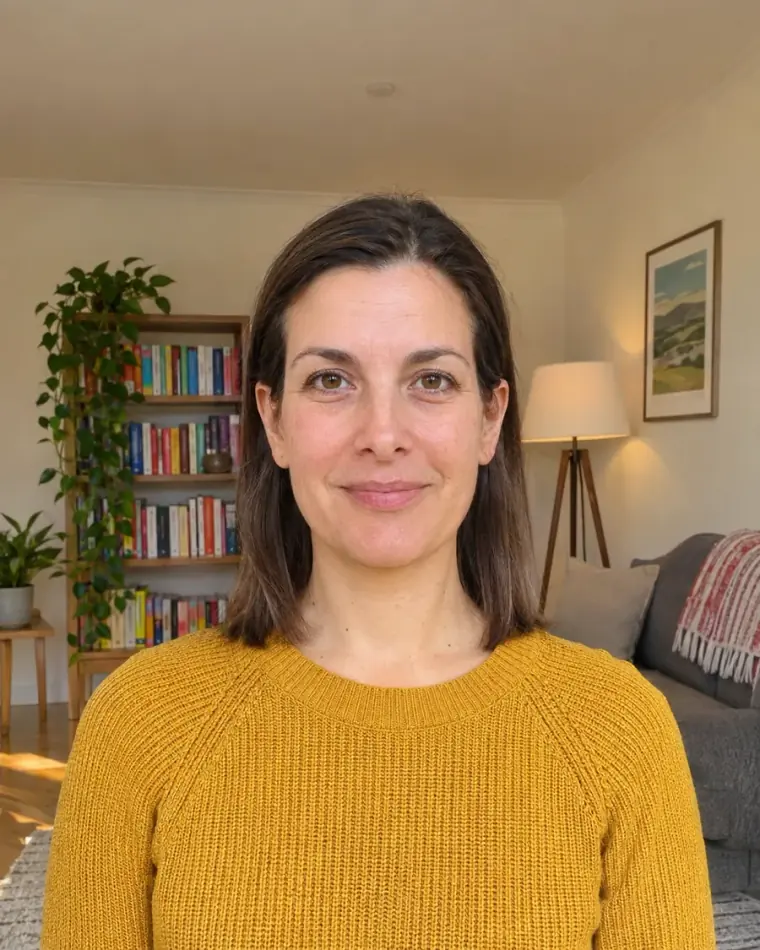
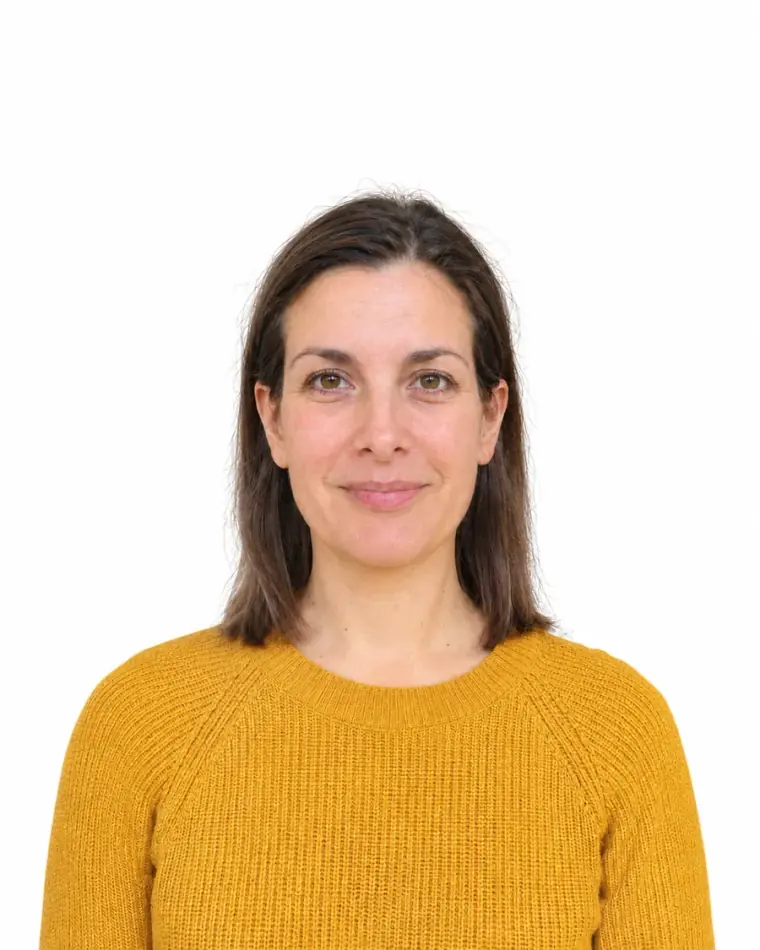 BeforeReplaced
How we handle your background
Will your wall pass?
Most rejected backgrounds are one of these. The rules change with the document: switch it at the top and the grey wall changes too.
Even light, nothing behind you, a step away from the wall.
Passes, no need to change anything.

Standing against the wall with a lamp to one side.
Fix: stand 2–4 ft from the wall and face a window.

Shelves, plants and doors behind you.
Fix: find a plain wall, or tape up a white sheet.

US documents need white or off-white.
Fix: tape up a white sheet, or find a white wall.
Example photos are AI-generated.
Wall didn’t pass?
We put both on the table and tell you the trade-off straight. Most people only need a sheet and a window.
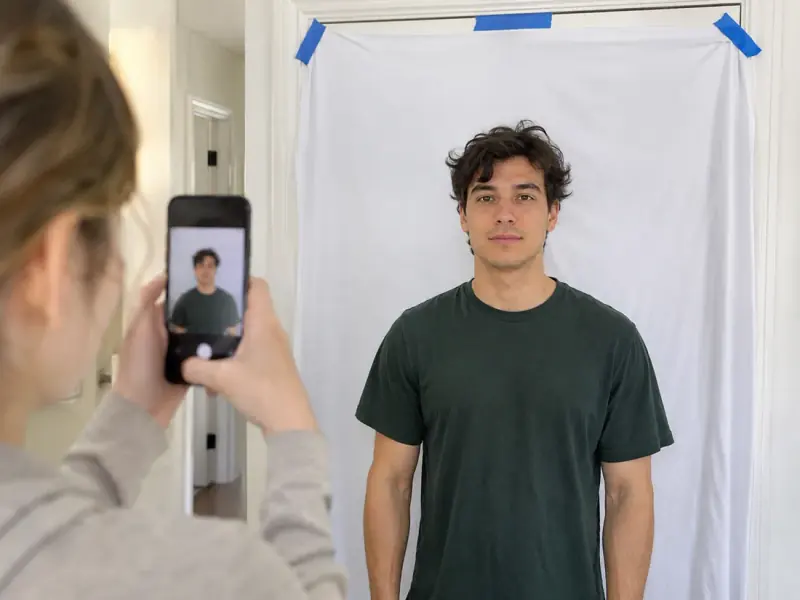 Sheet + window light
Your photo stays original, exactly what every passport office asks for.
A plain background in a few seconds. Here’s the honest part:
Not covered by the refund promise, because the photo is edited.
Get a white background at home
A plain white bedsheet or a large poster board on a door works. Pull it flat: creases throw little shadows.
Stand 2–4 ft in front of the sheet. Your shadow falls behind you, out of the photo, and the sheet stays evenly lit.
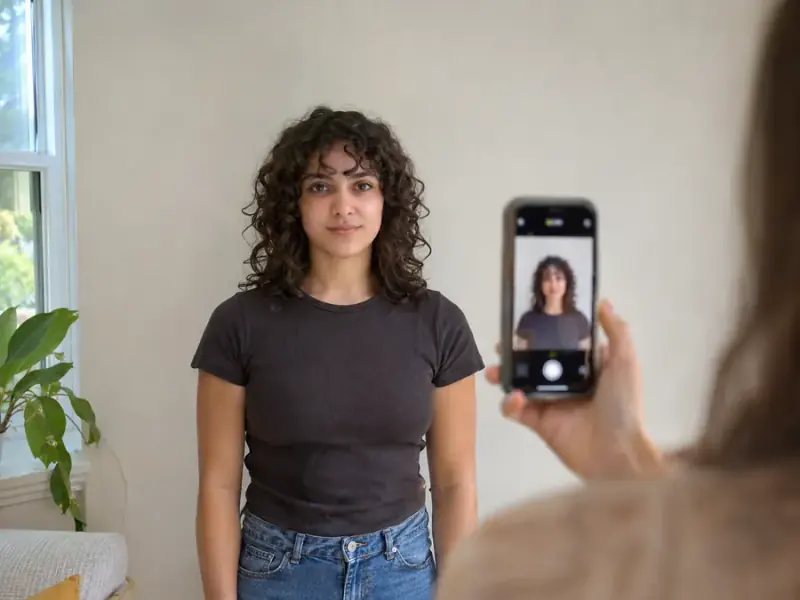 2–4 ft
Daylight from the front, overhead lights off. Light from one side is what puts a shadow on the wall.
Window in frontRules by document
White isn’t always the answer, and none of these documents allow edited photos.
| Document | Background | Edited photos | If you replace it |
|---|---|---|---|
| US Passport | Plain white or off-white, no shadows or pattern | Not allowed | May be rejected |
| US Visa | Plain white or off-white | Not allowed (“not digitally altered”) | May be rejected |
| Green Card | Plain white or off-white | Not allowed | May be rejected |
| UK Passport | Plain cream or light grey (prints); plain and light, in contrast with you (digital) | Not allowed (“unaltered by computer software”) | May be rejected |
| Australian Passport | Plain white or light grey, in contrast with your face | Changed or removed backgrounds are rejected | Likely to be rejected |
| New Zealand Passport | Plain and light-coloured, no shadows; stand at least 0.5 m in front | Not allowed | May be rejected |
From travel.state.gov, USCIS, GOV.UK, passports.gov.au and passports.govt.nz, checked November 2026. The passport office always makes the final call.
Questions
For US passports, visas and green cards: plain white or off-white. The UK wants plain cream or light grey for prints, Australia plain white or light grey, and New Zealand any plain light colour. Whatever the colour, it has to be plain, even and free of shadows.
You can, but every document we support asks for an unedited photo, and Australia rejects changed backgrounds outright. That’s why we check your wall first: if it passes, nothing needs to change. If it doesn’t, you choose between a retake and a replaced background, with the risk spelled out.
We can’t promise it. Officials look for edited photos, especially hair edges that look cut out. We check those edges after replacing and tell you if something looks off, and we give you your original photo too.
Off-white is fine for US documents; light grey isn’t. Light grey is fine for the UK, Australia and New Zealand. Pick your document at the top of this page and we check against its rule.
No. The check and the replacement both run on your phone. The first time you replace a background, your phone downloads the tool once.
Checking is free. You only pay to download the finished photo: one payment, no subscription.
Free to check. Nothing changes unless you choose.
Check my background